The FaenApp download will start automatically in a few seconds…
If your download didn't start, press here
Sign-up inside the app · 15 days free · No credit card
INSTALL GUIDE
Select an image to enlarge it, or use the arrows to move between steps.
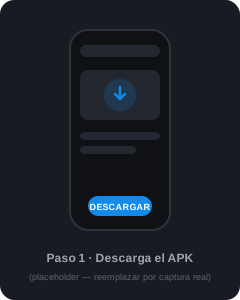
The download starts automatically. The file faenapp-admins.apk is saved to the phone's Downloads folder.
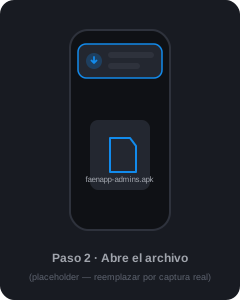
Tap the download notification, or open faenapp-admins.apk from the Downloads folder.
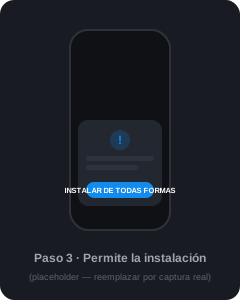
Android will show a notice because this is a direct APK. Select "Install anyway" or enable "Allow from this source".
Open FaenApp, complete the sign-up and get 15 days free with full access.

Questions about the installation? Write to soporteTecnico@faenapp.com
 FaenApp